The Book Printing Workflow After You Send Files
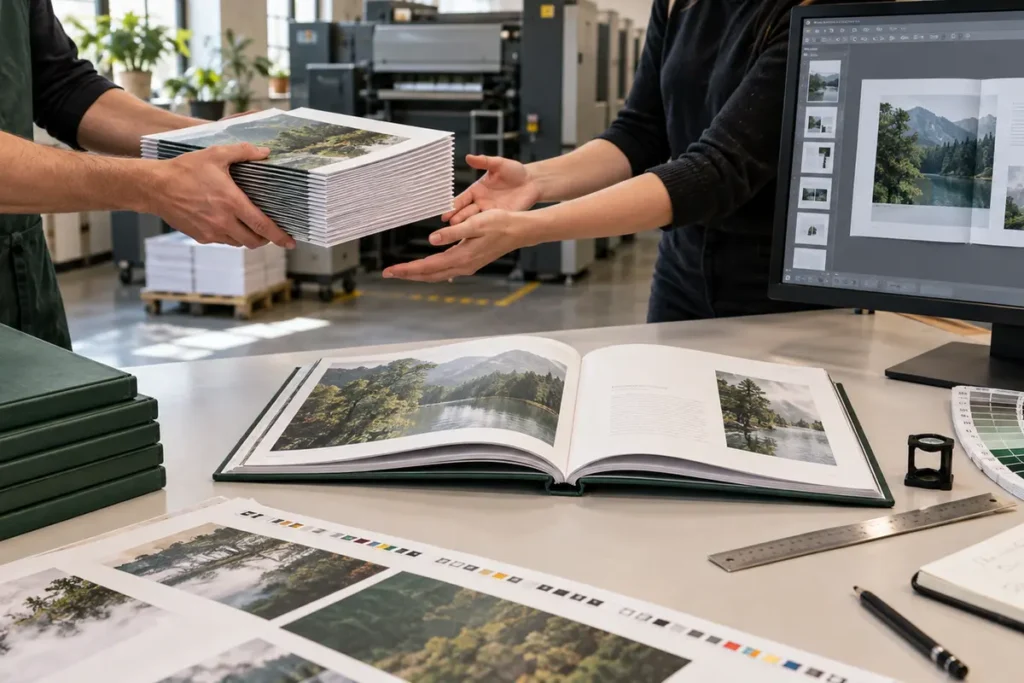
A professional book printing workflow starts when the printer treats the PDF transfer as a controlled handoff, not an automatic press command. Next, the team converts your creative files into a manufacturing specification. Printer staff must establish which files are current, whether they match the quote, what proof will be supplied, who can approve changes, and where the finished books must arrive.
However, the exact sequence varies by binding, quantity, materials and factory. Nevertheless, most custom book projects follow the same gates. Work should not pass a gate until the necessary information and approval are recorded.
| Stage | Printer action | Your action | Output or decision |
|---|---|---|---|
| 1. Job intake | Match files to quote and specification | Confirm final filenames, quantity and delivery | Controlled job ticket |
| 2. Preflight | Check technical print risks | Correct or authorize listed issues | Printable file set |
| 3. Proofing | Produce digital, hard-copy or physical proof | Review against a checklist | Signed approval |
| 4. Production | Print, fold, gather, bind and finish | Respond only to documented exceptions | Finished books |
| 5. QC and packing | Inspect and pack to agreed requirements | Confirm labels and receiving rules | Dispatch-ready shipment |
| 6. Delivery | Release goods and documents | Receive, count and inspect | Closed order or claim record |
File Handoff in the Book Printing Workflow: What to Send
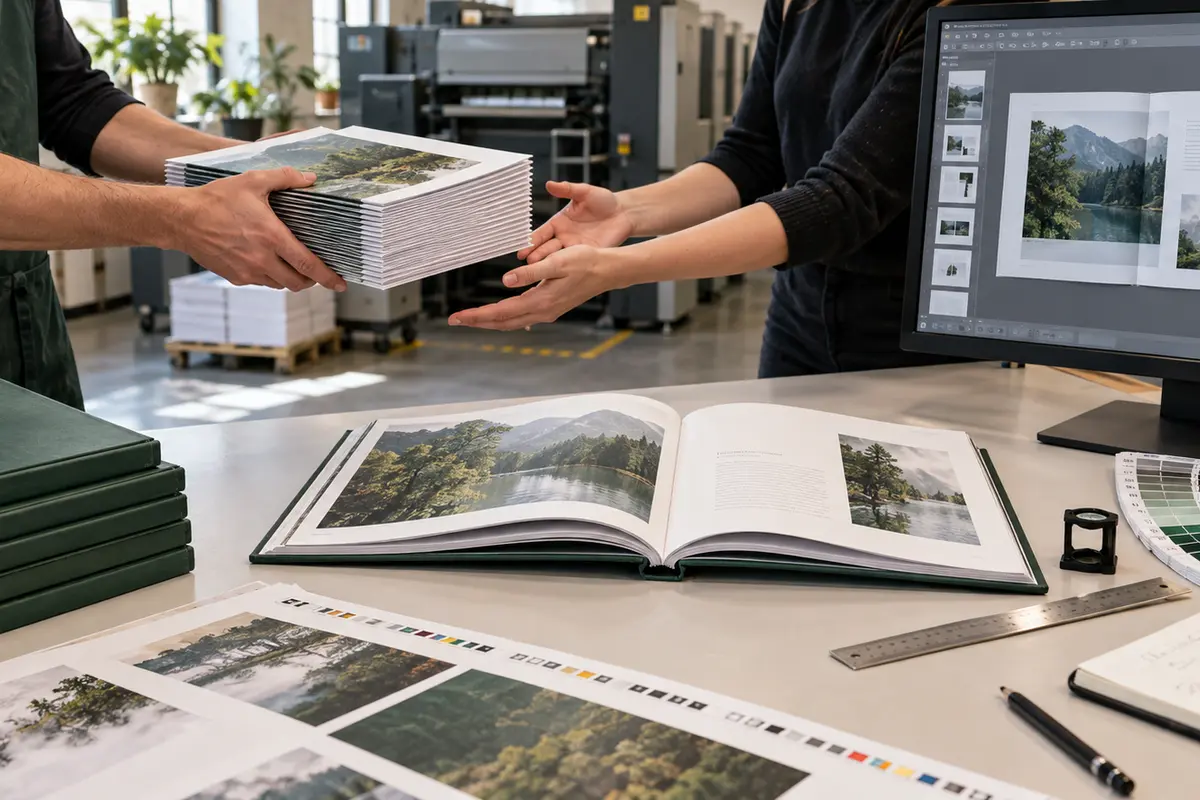
Send one interior PDF and one cover PDF unless the printer requests another structure. Use unmistakable filenames such as ProjectName_Interior_v07_FINAL.pdf and ProjectName_Cover_v05_FINAL.pdf. Do not place “final,” “final2” and “latest” versions in the same transfer folder. A short production memo should identify the approved files and reconcile them with the quotation.
- Trim size, binding style, page count and reading direction
- Final quantity and any split quantities by destination
- Interior and cover color specification
- Paper, board, endpaper, cover material and lamination
- Foil, spot UV, embossing, debossing, edge treatment or inserts
- Barcode and ISBN responsibility
- Proof type and authorized approver
- Delivery address, deadline and receiving restrictions
Authors and publishers still preparing artwork can review Prikoro’s book printing resources or discuss file requirements through the contact page.
Preflight Your PDFs in the Book Printing Workflow
Preflight is the first technical gate in the book printing workflow, not copyediting. Its operator checks whether the files can produce the specified object without predictable defects. Adobe describes PDF/X as a standards-based family for graphic-arts exchange, but a PDF/X label does not prove that your trim, spine, imagery or creative choices are correct. Human review remains important.
| Preflight area | What is checked | What can go wrong | Typical response |
|---|---|---|---|
| Geometry | Page size, bleed, safe area, crop marks | White slivers or trimmed text | Supply corrected export |
| Page structure | Page count, order, blank pages, spreads | Pagination shifts or unintended blanks | Confirm intentional pages |
| Images | Effective resolution and scaling | Soft or pixelated reproduction | Replace source image |
| Color | CMYK, spot colors, rich black and profiles | Unexpected conversion or color mismatch | Approve conversion or revise |
| Fonts | Embedding, substitution and outlined display type | Missing glyphs or reflow | Embed or replace font |
| Cover | Spine width, hinges, wrap and barcode | Off-center spine or clipped design | Rebuild on final template |
| Finishes | Spot layers, overprint and registration | Foil/UV/emboss plate misinterpretation | Supply named vector separations |
Use the preflight report to separate blocking errors from warnings. Missing bleed on an image intended to run off the page is blocking; a deliberately low-resolution historical image may be a warning that the publisher accepts. Request screenshots or page references so every correction is traceable.
Step 2 in the Book Printing Workflow: Choose the Right Proof
No single proof validates every property. A digital PDF proof, for example, is efficient for content and geometry. By contrast, a contract-quality color proof predicts color under defined conditions, but it may use different paper and equipment from the press. Meanwhile, a bound dummy tests dimensions, bulk, opening and construction. Finally, a production sample most closely represents the finished item, but it can add cost and time.
| Proof | Best for | Does not reliably prove | When to consider it |
|---|---|---|---|
| Annotated PDF proof | Pages, trim, placement, overprint preview | Paper feel, binding and exact color | Every project |
| Hard-copy color proof | Image tone and color expectation | Final stock behavior or binding | Art, photography and brand-critical books |
| Unprinted dummy | Size, paper bulk, board, spine and opening | Printed color | Unusual materials or construction |
| Printed/bound sample | Integrated look and handling | Perfect prediction of every production copy | Complex or high-value editions |
| Press sheet approval | Live production color under press conditions | Finished binding | Only when logistics and schedule justify it |
For a standard text-led paperback, a careful PDF proof may be sufficient. With a fine-art book containing critical neutral tones, combine a calibrated hard proof with clear reference targets. Tactile special editions may also justify a material sample or dummy. Explore hardcover book printing or perfect-bound book printing when comparing constructions.
Written Approval in the Book Printing Workflow
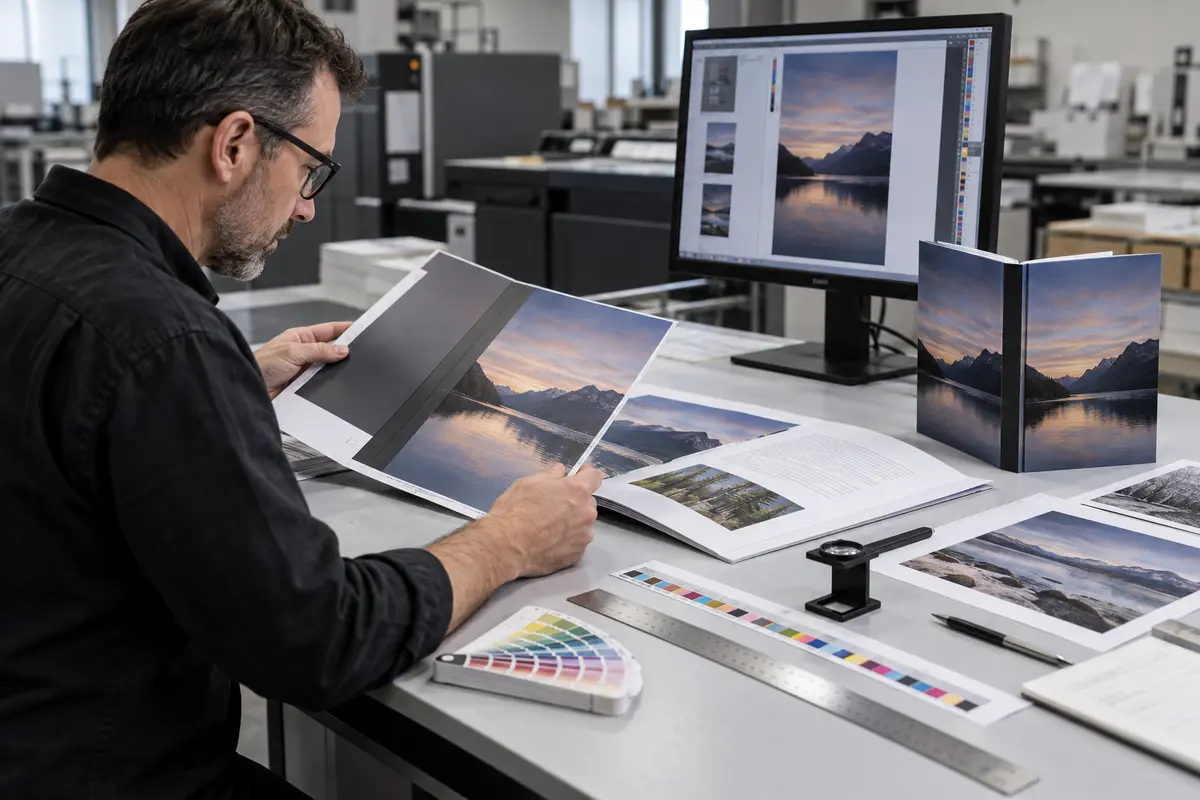
Approval transfers the book printing workflow from review into production control. Therefore, avoid messages such as “looks good” without identifying the proof and version. State the exact filenames, proof date, specification and any accepted exceptions. If corrections are needed, reject that proof, provide a single consolidated list, and request a revised proof.
“Approved for production: ProjectName interior v07 and cover v05, based on PDF proof dated 15 September 2026. Specification: 6 × 9 in, 256 pages, sewn hardcover, 1,500 copies. We accept the documented low-resolution image on page 83. No other files are approved.”
Check copy, pagination and design before technical approval. Although a printer may notice an obvious issue, printers normally do not assume editorial authority. Once plates are made, paper is printed or finishing dies are produced, author corrections can cause rework charges and schedule changes.
Imposition and Setup in the Book Printing Workflow
After approval, interior pages are imposed into press-sheet layouts so they fold into signatures in the correct order. Offset jobs then require separated plate data and press setup. Digital jobs are prepared for the selected device and finishing path. Covers, endpapers, inserts and special-finish layers may follow separate workflows.
Imposition explains why late page additions are disruptive. Adding two pages, for instance, may change the signature plan, create blanks, alter paper usage and change spine width. Likewise, changing paper after cover approval can alter the book block and invalidate the cover template.
Printing and Color Control in the Book Printing Workflow
During this part of the book printing workflow, operators control ink, register and sheet condition against the approved target and the intended printing condition. ISO 12647 describes process parameters used to characterize printing conditions and support process control. In practical terms, repeatable color depends on the file, substrate, ink, press calibration, measurement and viewing—not on a monitor screenshot alone.
Color can appear different on uncoated and coated papers. Paper whiteness, opacity and surface absorbency change perceived contrast and saturation. Consequently, specify the stock before critical proofing. If brand color is essential, define whether it is process CMYK, a named spot color, or a visual target with an agreed tolerance.
Binding and Finishing in the Book Printing Workflow
Printed sheets must dry or cure as required, then they are folded, gathered and bound. Perfect binding mills the spine and applies adhesive; section-sewn work sews folded signatures before casing or cover attachment; saddle stitching nests folded sections and staples through the fold. Hardcover production can add endpapers, mull, headbands, ribbon markers, cases and jackets.
Finishing may include lamination, foil stamping, embossing, debossing, spot UV, die cutting or edge decoration. Each process introduces its own registration and handling requirements. The factory should retain approved separations and setup references so finishes align with the printed design.
Quality Control in the Book Printing Workflow
Quality control protects the book printing workflow rather than serving as one final glance. Instead, effective control happens at incoming material, print, binding, finishing and packing stages. Moreover, inspection criteria should match the product and approved proof. A premium art book, for example, requires close attention to color sequence, crossover alignment and surface damage; a workbook may prioritize page order, writable paper and binding durability.
| QC checkpoint | Examples of checks | Evidence to retain |
|---|---|---|
| Printed sheets | Register, density, scumming, setoff, sequence | Approved press samples and readings |
| Folded signatures | Pagination, fold accuracy, cracking | Signature samples |
| Book block | Collation, trim, squareness, adhesive/sewing | In-process inspection record |
| Cover and case | Spine alignment, wrap, joints, lamination | Approved setup copy |
| Special finishes | Position, coverage, adhesion and damage | Finish reference sample |
| Packing | Quantity, orientation, protection and labels | Packing list and carton photos |
Packing and Delivery in the Book Printing Workflow
Before packing, the book printing workflow must confirm copies per carton, maximum carton weight, carton marks, barcode labels, pallet requirements and moisture protection. Multiple-destination projects require an allocation table with exact quantities and addresses. In addition, warehouses may require appointments, pallet labels or advance shipping notices; discover these rules before finished books reach the dock.
Depending on the route and commercial terms, the required shipping documents will vary. At minimum, reconcile the packing list, commercial invoice and shipment quantity. International deliveries may also require transport documents and customs information. Incoterms allocate responsibilities, costs and risk at defined points, but they do not replace a precise destination quote. Clarify exactly what the freight price includes.

Planning the Book Printing Workflow Timeline
There is no universal book-production lead time. File quality, proof type, stock availability, binding complexity, special finishes, quantity, factory schedule, holidays and delivery method all matter. Separate the schedule into approval time, manufacturing time and transit time. Production time should start only after the agreed files, specification, payment milestone and proof are approved.
| Schedule block | Owner | Variables | Best control |
|---|---|---|---|
| Preflight and corrections | Shared | File readiness and response speed | One decision-maker and consolidated feedback |
| Proofing | Shared | Digital vs physical proof and courier time | Choose proof at quotation stage |
| Materials and production | Printer | Stock, quantity, binding and finishes | Approve specification before files |
| Packing and dispatch | Printer/logistics | Split shipments and documents | Final allocation supplied early |
| Transit and receiving | Logistics/buyer | Mode, route, customs and appointments | Plan to required warehouse date |
Build contingency around the date the books must be available—not merely the factory completion date. Launch events, crowdfunding rewards and retailer windows need time for customs, receiving, inventory check-in and replacement of damaged cartons.
Illustrative Case: A 1,500-Copy Hardcover Handoff
This is a transparent planning example, not a claimed Prikoro customer result. Here, the book printing workflow begins when a small publisher submits a 256-page illustrated interior, a cover PDF, foil artwork and a specification for 1,500 sewn hardcovers. Preflight finds three issues: the spine is based on an earlier paper, one image has insufficient bleed, and the foil file uses raster artwork.
Next, the publisher supplies a revised cover on the printer’s current template, extends the image and replaces the foil layer with vector artwork. A new PDF proof confirms content and positioning; a hard-copy proof checks several color-critical spreads; a material sample confirms the cloth and foil. Then, the publisher consolidates corrections into one round and gives version-specific written approval.
Production then proceeds through imposition, printing, section sewing, case making, foil stamping, casing-in, inspection and protective packing. Carton labels were supplied before production, so the order can move directly to the fulfillment warehouse. Crucially, the initial correction round protected the schedule because manufacturing did not begin from ambiguous files.
Seven Avoidable Delays After File Submission
- Files do not match the quote. Page count, size, stock or finish changes require repricing and new technical checks.
- Multiple approvers send conflicting feedback. Nominate one person to consolidate decisions.
- The cover uses an estimated spine. Use the printer’s spine calculation for the final paper and page count.
- Corrections arrive as scattered attachments. Replace complete files with numbered versions and a change log.
- A physical proof is requested late. Select proofing level before scheduling.
- Delivery details remain provisional. Split allocations and warehouse rules affect packing and freight.
- Approval is conditional or vague. Resolve open points before releasing production.
Final Approval Checklist for Authors and Publishers
- Approved interior and cover filenames are explicit
- Trim size, page count, paper and binding match the quote
- Text, pagination, blanks and table of contents are checked
- Bleed, safe area, spine and cover wrap are correct
- Images and color expectations are accepted
- Fonts, transparency, overprint and spot layers are verified
- Barcode, price and ISBN are final
- Foil, UV, emboss or die-cut layers are approved
- Proof limitations and accepted warnings are documented
- Quantity, packing, labels and destinations are confirmed
- Production and delivery milestones are written
- One authorized person gives final approval
To plan a controlled handoff for your title, send the specification and target delivery date through Prikoro’s printing enquiry page.
How to keep the workflow moving
First, appoint one project owner. Next, give every file a version number. Then, compare the handoff against the quotation. In addition, list every special finish in the production memo. Meanwhile, collect stakeholder comments in one document. Afterward, resolve every blocking preflight item together. For example, correct the cover only after the printer confirms the final spine. Likewise, approve color against the agreed proof rather than an unrelated screen.
However, do not trade traceability for speed. Instead, state exactly which proof you accept. Consequently, the production team can lock the correct files. Moreover, provide carton marks before packing starts. Therefore, logistics can prepare documents without a last-minute change. If the destination changes, notify the printer promptly. Otherwise, the wrong labels may delay receiving. Finally, inspect delivered cartons and record any exceptions. As a result, the printer and publisher can close the job with reliable evidence.
Frequently Asked Questions
Does the printer check spelling and grammar?
Usually no. Preflight is mainly technical. Unless editorial services are explicitly included, the author or publisher remains responsible for words, pagination and content.
Can I change files after approving the proof?
Contact the printer immediately, but do not assume the change is possible. Plates, paper or binding components may already be in production. Printer staff should explain rework, cost and schedule impact before proceeding.
Is a PDF proof enough for a color-critical art book?
A screen proof is useful for content and geometry, but displays and viewing conditions vary. Consider a calibrated hard-copy proof and agreed reference targets for color-critical work.
What is a print-ready PDF?
It is a PDF prepared to the printer’s required page size, bleed, color, font and output settings. “Print-ready” also means it matches the approved production specification.
Why does the printer need separate cover and interior files?
They use different imposition and production paths. Additionally, the cover depends on final spine width, binding, board or cover construction.
When does production time officially begin?
It should begin at the agreed release point after print-ready files, specification, proof and required commercial approvals are complete—not simply when files are uploaded.
Who should approve the proof?
One named person with authority to approve editorial, design and manufacturing details, ideally after collecting input from all stakeholders.
What should I inspect when books arrive?
Check carton count and visible damage first. Then sample copies across cartons for quantity, version, page order, print, binding, finish and packing condition. Document issues promptly with photos and carton identifiers.
Final Recommendation
A dependable book printing workflow uses clear gates: controlled files, documented preflight, fit-for-purpose proofing, version-specific approval, production checks and verified packing. Speed comes from eliminating ambiguity. Ultimately, the best printer-client workflow makes every decision traceable while preserving enough time to correct problems before they become hundreds or thousands of finished books.