

PDF/X-1a vs PDF/X-4 is primarily a choice of delivery workflow. Use the standard and export settings your book printer accepts for the actual job. A file that passes a standards check can still have the wrong page dimensions, unsuitable color settings or artwork that has not been approved.
For a designer, the practical question is where complex artwork gets resolved: during export, during the printer’s processing, or through a specifically agreed conversion step. For a buyer, the priority is getting one accepted production file and a proof that corresponds to it. This guide explains what to ask, what to inspect and how to avoid approving an earlier version.
PDF/X-1a vs PDF/X-4: the practical comparison
Choose PDF/X-4 when the printer confirms a compatible workflow and supplies appropriate settings. Choose PDF/X-1a when that is the printer’s required delivery route. Do not switch standards just because one export preset is easier to find.
Adobe’s PDF creation guidance describes PDF/X-1a as a CMYK and spot-color route with flattened transparency, while PDF/X-4 supports live transparency and ICC color management. It also advises obtaining provider-specific output settings or a joboptions file before commercial delivery.
| Delivery issue | PDF/X-1a route | PDF/X-4 route | Buyer question |
|---|---|---|---|
| Transparency | Resolved through flattening before delivery | Can remain live for downstream processing | Which exported or processed version will be proofed? |
| Color content | CMYK, spot colors or both | Supports color-managed content, including eligible RGB | Does this job require CMYK-only content? |
| Production acceptance | Use when required by the receiving workflow | Use when confirmed by the receiving workflow | What exact preset and standard variant are accepted? |
| Approval scope | Inspect the delivered flattened artwork | Inspect the delivered file and the agreed proof | Who approves any downstream changes? |
The Ghent Workgroup commercial-print specifications include both modern PDF/X-4-based specifications and older PDF/X-1a-based specifications. Its guidance also treats file preparation and output-workflow behavior as connected issues. A standard therefore belongs in an agreement with the receiving printer, rather than in a designer’s isolated preference.
Ask separately about the cover and interior. An interior made from photography and editorial pages may have different review priorities from a cover containing a named spot color or a separate finishing mask. The PDF/X decision does not replace the printer’s instructions for those additional files.
Planning an image-led edition? Pair the file requirements with your art book printing specifications, so the requested proof relates to the selected paper and production method.
Choose pages for transparency review
Review pages that contain overlapping objects, shadows, transparent photographs or small type over effects. A simple text page will not show how your most demanding artwork behaves in the delivery workflow.
Before export, flag a short set of representative pages in the source document. Include one with a complicated overlap, one with pale gradients, and one where typography sits on a tinted image. If the cover is built differently, include it as a separate review item. Record the page numbers rather than asking the printer to find “the complicated spread.”
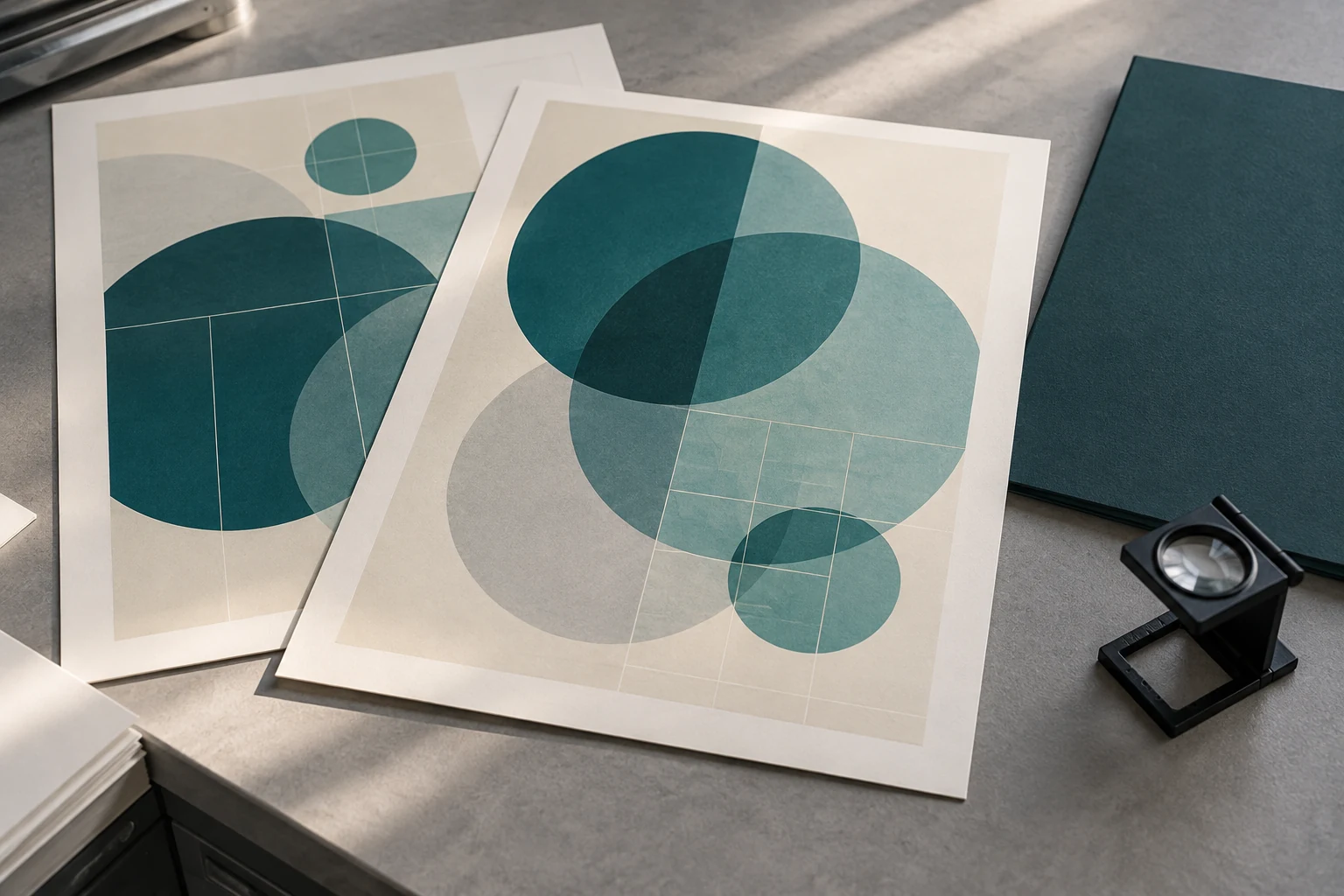
Check the PDF at normal reading size first, then inspect the relevant objects more closely. Zooming is useful for locating a concern, but a screen artifact alone does not establish a printing defect. Give the printer the PDF page number, an annotated screenshot and a description of the intended appearance. Ask whether the issue remains in its processed output or proof.
Keep editable source files available. If an effect needs rebuilding, correcting the layout and re-exporting through the accepted preset usually provides a clearer revision trail than collecting several patched PDF versions. Any correction still needs a fresh check; a familiar filename does not establish that the contents are unchanged.
Agree the output intent and color policy
An output intent identifies an intended reproduction condition; it is not an instruction that automatically converts every color object. Agree the destination condition and the actual conversion policy as two related decisions.
Adobe’s explanation of output intents states that the intent describes the destination used to reproduce color and does not itself convert the colors in the PDF. This distinction matters when a file carries an apparently sensible profile name but contains objects prepared differently.
Ask the printer which output intent to use for the selected process and stock, whether conversion belongs in export or downstream processing, and how existing CMYK values should be treated. Do not choose an ICC profile simply because its name mentions coated paper. Nor should you copy the profile from an unrelated book whose press, stock and production assumptions are unknown.
If the printer accepts RGB content, ask who is responsible for its conversion and which proof will show that result. If the printer requests CMYK-only delivery, confirm the export policy and inspect the resulting file. Acceptance of PDF/X-4 does not by itself mean every RGB object is acceptable for your order.
Also identify intentional spot colors. Give the printer their names and purpose, and distinguish printing inks from technical separations used for finishing. Do not convert every named separation to process color without checking whether it belongs to the agreed manufacturing specification.
Build a clear printer handoff
Get the file requirements in writing before the final export. One short handoff sheet can prevent conflicting instructions from the designer, purchasing team and printer.
| Agreement item | What to record | Why it matters |
|---|---|---|
| Accepted PDF route | Standard variant, current preset name and supplier-provided joboptions if available | Prevents selecting an approximate preset |
| Color responsibility | Output intent, accepted color spaces and conversion stage | Clarifies who owns the color transformation |
| Page delivery | Single pages or spreads, order, trim dimensions, bleed and marks policy | Matches the file to the production setup |
| Additional artwork | Cover, spot-color and finishing-file instructions | Keeps technical separations unambiguous |
| Revision identity | Filename, revision number, delivery date and replacement instructions | Prevents approval of a superseded file |
| Proof scope | Content, processing, color or physical-book checks covered by each proof | Defines what approval actually means |
Use the agreed export preset as a starting point, then review its settings for this job. An application can retain settings from earlier work. Record any intentional changes instead of assuming the named preset guarantees the same output every time.
Send one clearly identified production revision for each required component. If you replace the interior, state that the previous interior is withdrawn and specify whether the cover remains approved. Avoid a folder containing “final,” “final-new” and “final-approved” without a clear instruction about which file controls production.
The broader book printing workflow after file delivery helps place preflight and proof approval within the production schedule. Include time for corrections instead of treating upload as automatic production release.
Check the exported PDF
Inspect the actual delivery file, not only the source document or export dialog. Use a suitable preflight tool to check the requested standard, then check the job-specific requirements that sit outside basic compliance.
Verify page count, order and trim size against the order specification. Check that required bleed artwork exists outside the trim boundary, rather than relying only on a stored bleed value. Confirm whether printer marks are requested; extra marks should not be added by habit.
Inspect fonts, image content and separations in the exported PDF. A font check should identify embedding problems; a visual check should catch wrong characters, missing symbols or unintended substitutions. The dedicated book printing font embedding guide explains that part of the handoff in more detail.
Keep a copy of the preflight report with the exact PDF it describes. Separate standards failures from printer-specific warnings. Ask the printer to explain a warning’s production impact when the next action is unclear. A green standards result is useful evidence, but it is not an approval of the book’s content or its suitability for every press.
Finally, compare the printer’s proof with the delivered revision. Check corrected pages as well as representative pages that were not intentionally changed. See the book printing proof guide when deciding whether a screen proof, color proof or physical sample answers the question at hand.
Resolve warnings without blind conversion
Ask what failed and which correction is needed before changing formats. Re-exporting under a different PDF/X name can leave the original problem unresolved or create a new approval requirement.
| Reported concern | Evidence to request | Useful next action |
|---|---|---|
| “Wrong PDF standard” | Requested variant and specific failed check | Re-export through the agreed settings and validate the replacement |
| Unexpected transparency appearance | PDF page, object location and processed-output comparison | Review the effect with the printer and approve the corrected result |
| Unexpected color conversion | Original color space, export policy and downstream treatment | Agree conversion responsibility before another export |
| Unwanted spot separation | Separation name and its intended purpose | Decide whether it is an ink, finishing mask or accidental duplicate |
| Proof uses an old revision | Proof identifier and source-file revision | Withdraw the old approval and request the correct proof |
If the printer offers to convert a supplied PDF, request a description of the change and a replacement approval file when appearance or separations may be affected. Confirm whether production will use that converted file. Approval should follow the version entering production.
Keep screenshots as issue references, not as substitutes for the PDF. A screenshot can help locate an unexpected edge or missing character, but it cannot communicate every object, separation and page box needed for production diagnosis.
An illustrative art-book approval plan
Illustrative example: a publisher prepares an art book containing landscape photography, geometric illustrations and text placed over soft shadows. The cover uses separate finishing artwork. This is a planning scenario, not a completed Prikoro order.

The publisher first asks the receiving printer for its interior and cover delivery requirements. The designer records the accepted preset, output intent, color handling and finishing-file instructions. Instead of exporting two standards and asking the printer to choose an untracked version, the team prepares the agreed route.
Next, the designer selects a photograph with subtle shadow detail, a layered illustration and a text-over-effect page for review. The printer receives those page references with the production PDF. Any issue is logged against the revision and corrected in a replacement file.
Before approval, the publisher checks which file generated the proof and what the proof is intended to demonstrate. If a processing change occurs after that proof, the team asks whether another approval is needed. The practical benefit is a traceable decision sequence; no guaranteed color match or defect-free result is implied.
Prepare a useful file-review request
The right PDF/X-1a vs PDF/X-4 decision is the one that fits the agreed production workflow. Keep the accepted file route, color responsibilities and proof version connected throughout approval.
For a Prikoro enquiry, provide the book format, page count, paper preference, binding, quantity, intended print colors and destination. Include the design application’s name, the proposed PDF/X preset and any representative-page concerns. These details make the request more useful than asking whether a PDF is simply “high resolution.”
Use the Prikoro contact page to request job-specific delivery instructions. For related planning topics, browse the book manufacturing articles. Confirm the requirements before treating an exported file as production approved.
Frequently Asked Questions
Which PDF/X standard should I use for book printing?
Use the standard and preset accepted by the receiving printer for your specific job. Get separate instructions for components such as the cover and finishing artwork when their requirements differ.
Does PDF/X-4 require RGB images?
No. Ask whether the printer accepts RGB content or requires a CMYK-only delivery file. A supported format does not replace the job’s color-handling agreement.
Will an output intent convert all my PDF colors?
No. Confirm the color conversion settings and who performs conversion. Recording an intended destination and changing object colors are different operations.
Does PDF/X compliance guarantee that my book is print ready?
No. Check page order, dimensions, bleed artwork, separations and the printer’s additional requirements. Content approval and proof approval are separate from a standards result.
Should I send both PDF/X-1a and PDF/X-4 versions?
Send the agreed production version unless the printer explicitly requests alternatives for evaluation. Identify evaluation files clearly and confirm which revision controls production.
Can I fix compliance by renaming the file?
No. A filename does not change the PDF’s contents or establish compliance. Export or correct the file using suitable tools, then check the resulting delivery PDF.
Can a printer change my PDF after I approve it?
Agree the change and approval procedure before production. When a correction may affect appearance or separations, ask for a revised approval file and confirm its relationship to the production version.
Is the same PDF preset suitable for every paper stock?
Do not assume so. Confirm the intended print condition and export settings when the stock or production method changes, and ask whether a new proof is needed.
Sources and Further Reading
Technical references: Adobe Illustrator documentation on PDF creation and presets; Adobe Acrobat documentation on output intents; and Ghent Workgroup commercial-print specifications. Links appear beside the relevant explanations above. The handoff checklists and illustrative scenario are practical planning guidance, not claims about a particular printer’s certified capabilities.