Quick answer: Sprayed book edges add color or artwork to the exposed edges of a book’s page block. To plan a print run, choose which edges to decorate, agree on the effect and artwork requirements with your printer, and approve a representative physical sample before production.
For publishers, independent authors, brands and special-edition teams, the best starting point is a clear visual reference—not a process name alone. Suppliers use different equipment and terminology, so describe the result you want and ask what their specific method can achieve.
What are sprayed book edges?
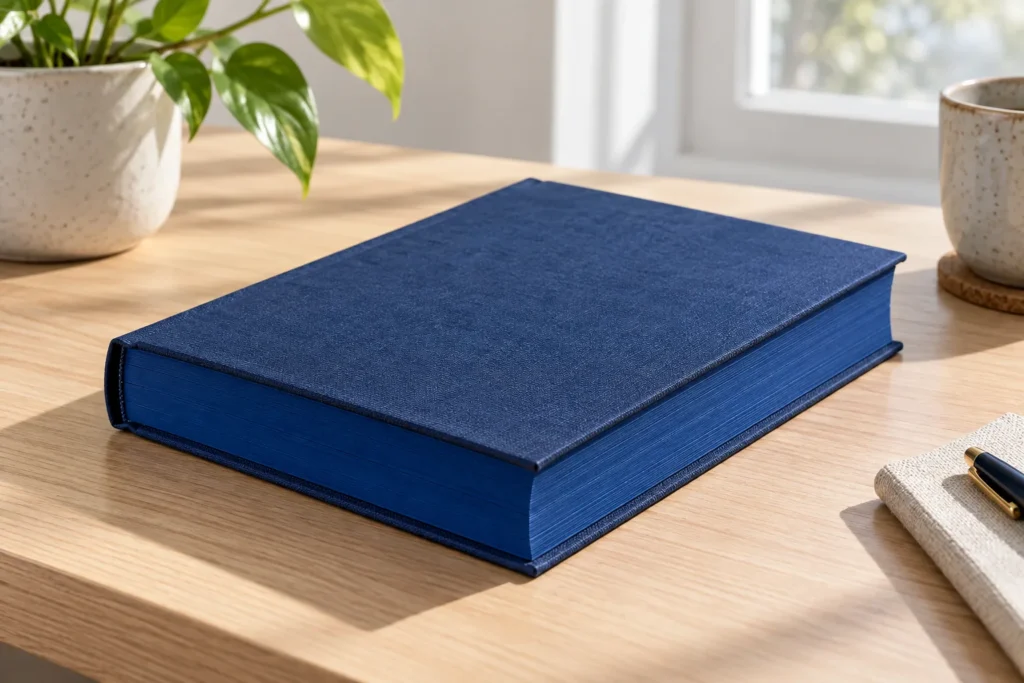
Sprayed book edges are a decorative treatment applied to one or more exposed edges of a book’s page block. The front edge opposite the spine is the fore edge; the other two are the head and tail. A finished book may have a solid color, gradient, pattern or illustrated edge.
The appearance is usually most visible when the book is closed. “Sprayed,” “painted,” “stenciled” and “printed” can be used differently by suppliers, so ask how the chosen design is made and request a sample. Friesens describes how its own sprayed-edge process varies with book construction.
Which edge effect should you choose?
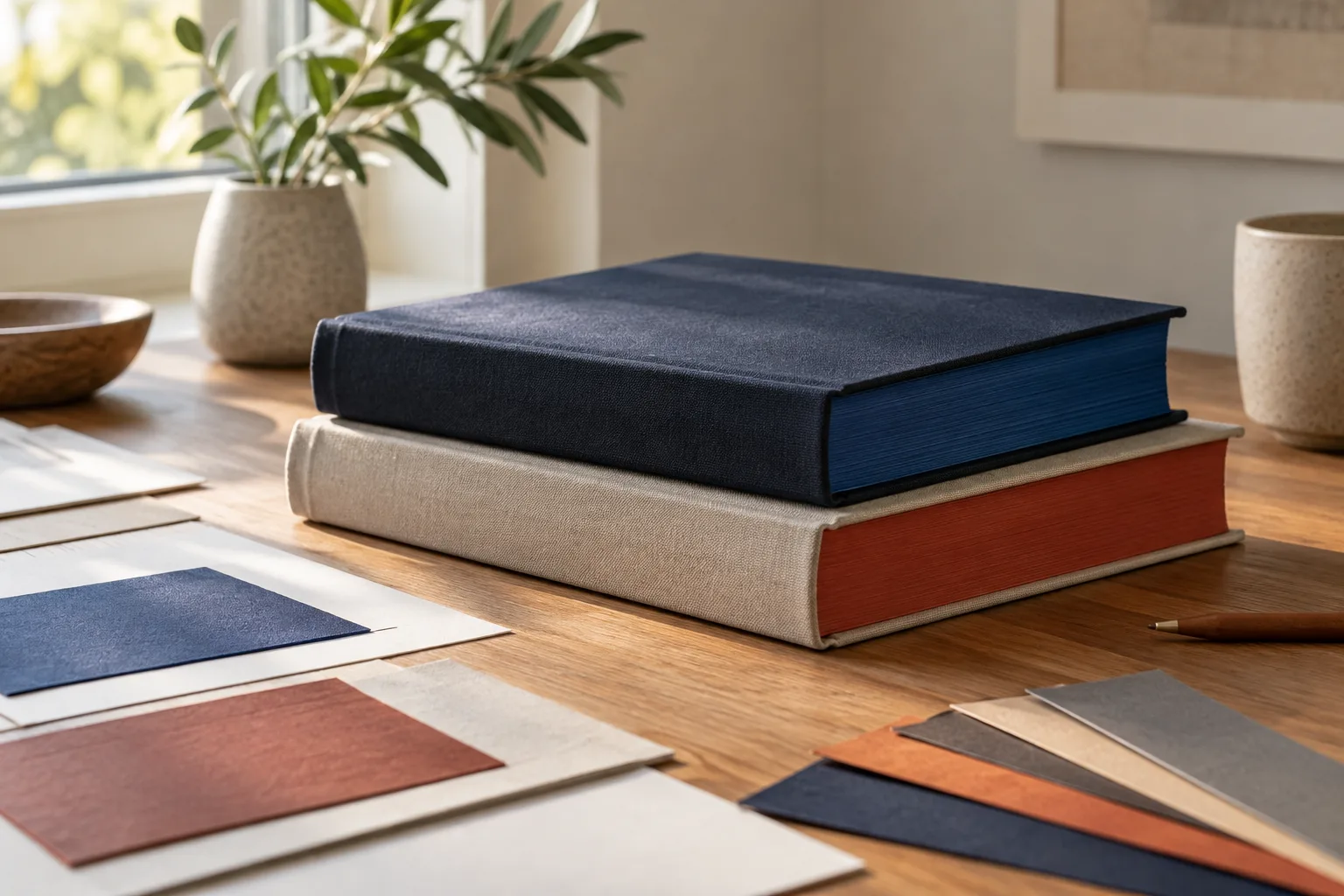
Choose an effect according to the artwork, handling expectations, edition size and the level of detail your supplier can reproduce. A solid color may support a clean design, while a motif or full illustration needs more artwork planning. Ask for comparable samples rather than assuming every process produces the same result.
| Effect | What to communicate | What to check |
|---|---|---|
| Solid color | Target color and selected edges | Coverage and appearance on the chosen paper |
| Stencil or motif | Shapes, orientation and color layers | Registration and detail at actual size |
| Digitally printed design | Artwork, direction and desired image detail | Color, resolution and alignment on a sample |
| Metallic or gilded effect | Desired appearance and handling needs | Available process, finish and durability |
These descriptions refer to outcomes, not guaranteed manufacturing methods. An illustrated edge may be produced differently by different printers. Explain whether the design must align across multiple edges and whether it needs to match the cover, endpapers or a separate slipcase.
How should you prepare artwork for sprayed book edges?
Wait for the printer’s project-specific template before finalizing the edge artwork. The usable area depends on the selected edge and finished book dimensions, including the thickness of the text block. Provide the finished trim size, page count, paper specification and binding so the supplier can establish its requirements.
Mark the head, tail, fore edge and spine-facing direction clearly. Identify how images should read when the book is closed, and ask about bleed, safe areas, file format, color mode and minimum detail. If artwork crosses two edges, request a mockup showing the intended orientation at each corner.
Do not calculate final artwork dimensions from a generic formula: a change in paper or page count can alter the book block. Bookvault’s file instructions illustrate how requirements can be specific to a supplier. Also review the general book printing file requirements before preparing the rest of your files.
How do paper, binding and interior artwork affect the result?
The paper’s shade, surface and thickness, the trim and the way the book is held during finishing can influence the visible result. Interior printing that reaches the trimmed edge may also affect the appearance of an applied color. Discuss the complete book specification before approving edge artwork.
Ask your printer whether the proposed paper and binding are compatible with the desired finish, and whether hardcover and paperback jobs follow different production sequences. QinPrinting, for example, lists requirements for its own edge-printing service; those requirements are not universal. For paper selection, see our guide to book printing paper.
What should you check on a physical sample?
Review a representative sample against the agreed artwork and specifications before approving the production run. Check the book closed and open: color, coverage, alignment and readability matter, but so does whether pages separate and turn normally. Ask the supplier which materials and finishing stages the sample actually represents.

- Compare the edge color with the approved reference under agreed lighting.
- Check the position and direction of patterns on each selected edge.
- Look for unexpected gaps, smudges or visible variation and agree on acceptable tolerances.
- Open and leaf through the book; report sticking, transfer or other handling concerns.
- Confirm the sample uses the intended paper, binding, trim and relevant finishing method—or note any differences.
A screen preview cannot prove how a finished edge will look or handle. Agree on acceptance criteria with the supplier and retain an approved reference. See our wider book printing proof checklist for the rest of the project.
What should you include in a printing quote request?
Give each supplier the same book and edge specifications so their quotes can be compared fairly. Include the quantity, finished size, page count, paper, binding, selected edges, design reference and expected packing destination. Ask which sample and finishing steps are included and what remains subject to confirmation.
- Identify whether the effect is solid, patterned, illustrated or metallic, and attach a visual reference.
- Specify one, two or three edges and mark the artwork orientation.
- Ask for a project-specific template and instructions for any separate edge artwork.
- Request the sample scope, approval process, production schedule and any setup or packing costs.
- Ask the supplier to confirm its actual capability and any restrictions for your construction.
For a coordinated edition, explain how the edge should relate to the cover and other finishes. Our special edition book printing guide covers additional features you may want to evaluate alongside it.
Frequently asked questions
Are sprayed edges and printed edges the same?
Not always. These labels can refer to different production methods, and some page-file approaches create a visual edge effect differently. Describe your intended result and confirm the method with your printer. PrintedEdges explains its page-file approach.
Can a paperback have sprayed edges?
Some suppliers offer edge decoration for paperbacks as well as hardcovers. Compatibility depends on the book construction, paper and the supplier’s equipment; ask for a comparable sample.
Can all three edges be decorated?
Some processes allow decoration on the head, tail and fore edge, but artwork, setup and pricing may differ by edge. Confirm the intended coverage and orientation before requesting a quote.
Does page count affect the artwork size?
Yes. Page count and paper thickness affect the thickness of the book block, so final dimensions should come from your printer after the specification is agreed.
Will the edge color match my screen exactly?
Not necessarily. Screen settings, paper shade and the finishing process can change the perceived result. Approve a physical reference under agreed viewing conditions.
Can edge decoration cause pages to stick?
It is a possible quality concern, not an inevitable result. Ask how the supplier controls it and check that pages separate and turn normally in a representative sample.
How much do sprayed book edges cost?
There is no reliable universal price. Quantity, book construction, number of edges, design complexity, setup, sampling and packing can affect a quote; request a breakdown for your own project.
Plan the whole edition before approving the edge
Sprayed book edges work best when the design, paper, binding and sample approval are considered together. Share a clear visual reference, use your supplier’s template and verify the final result on an appropriate physical proof. Confirm the supplier’s capabilities and commercial terms for your specific project.
Sources
- Friesens: Sprayed Edges — supplier process and artwork guidance.
- Bookvault: Sprayed-edge file guidance — supplier-specific file preparation.
- QinPrinting: Painted and sprayed edges — supplier-specific techniques and limitations.
- PrintedEdges: Learning hub — page-file alternative.